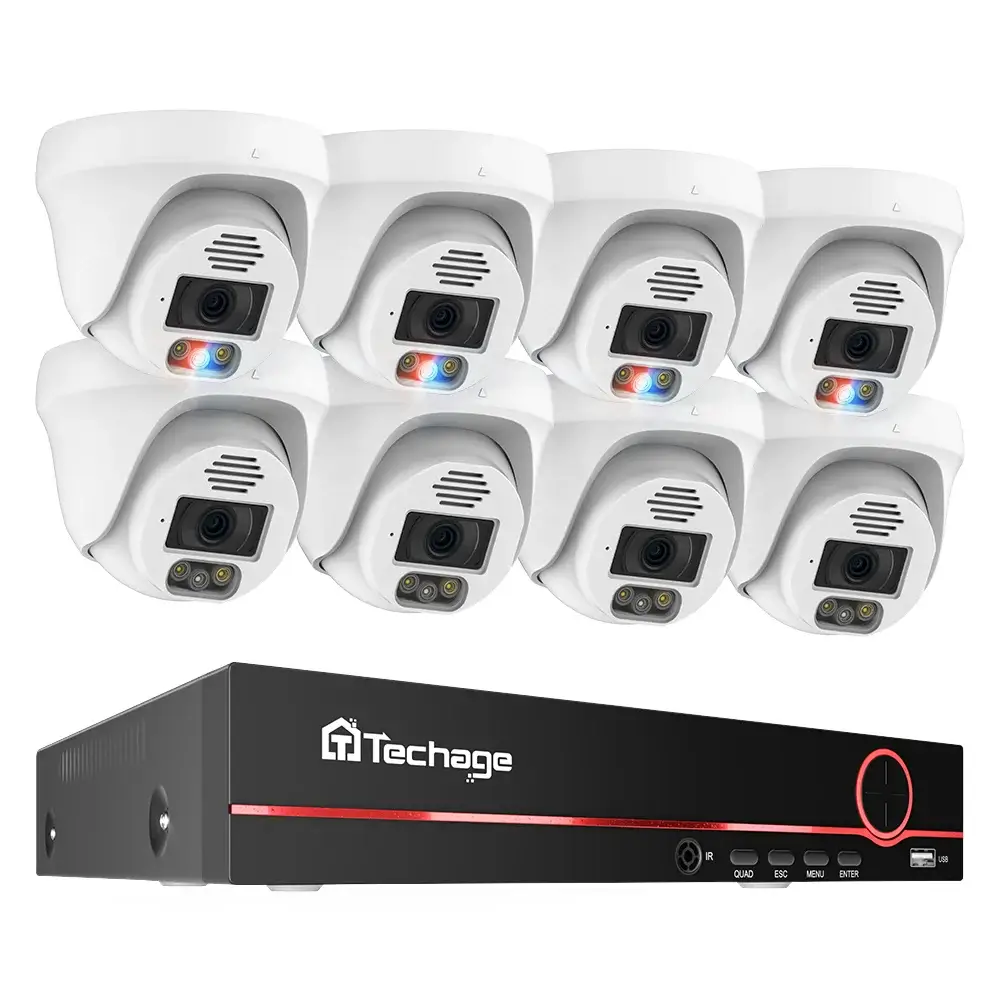
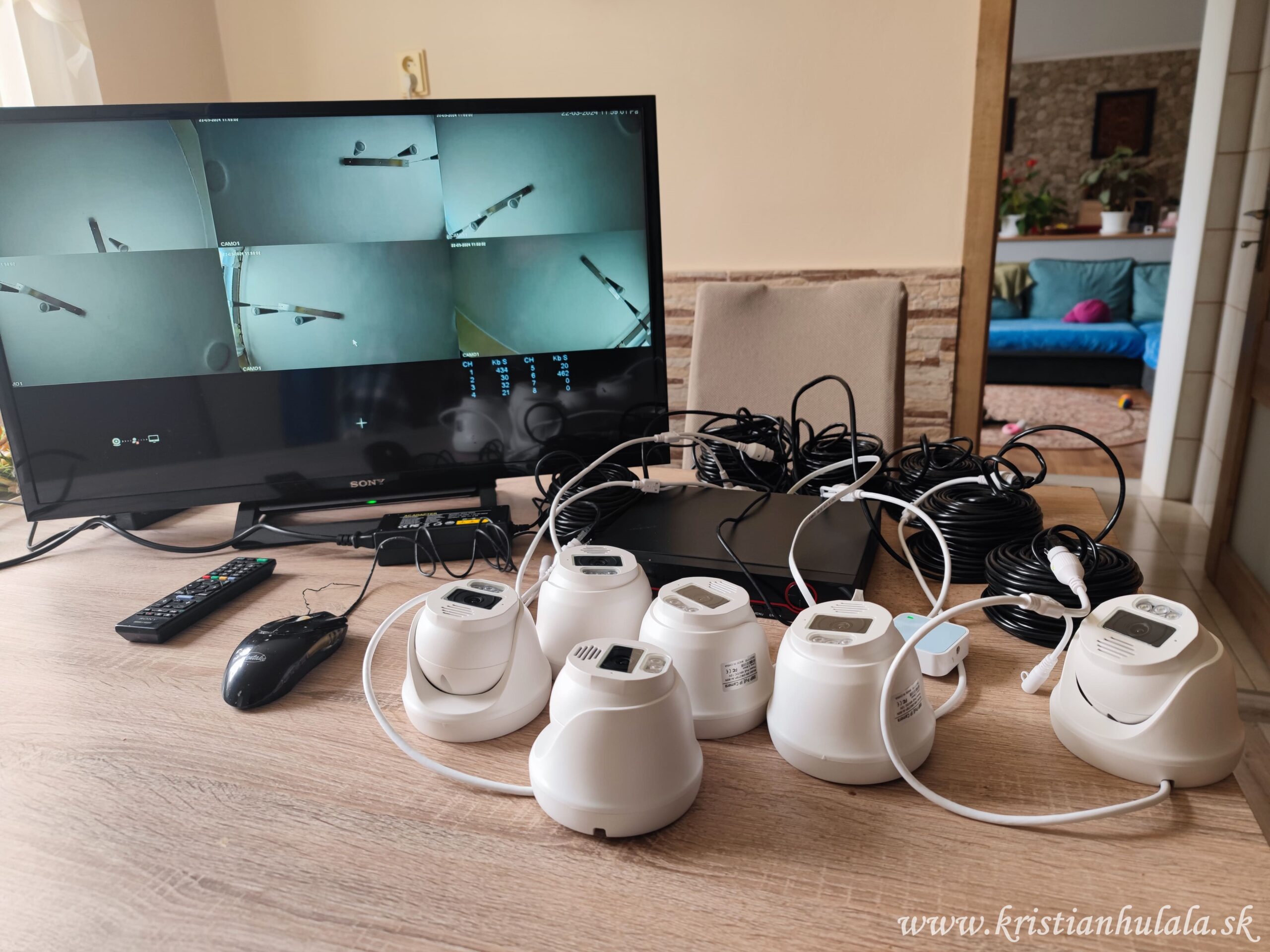
Techage camera system
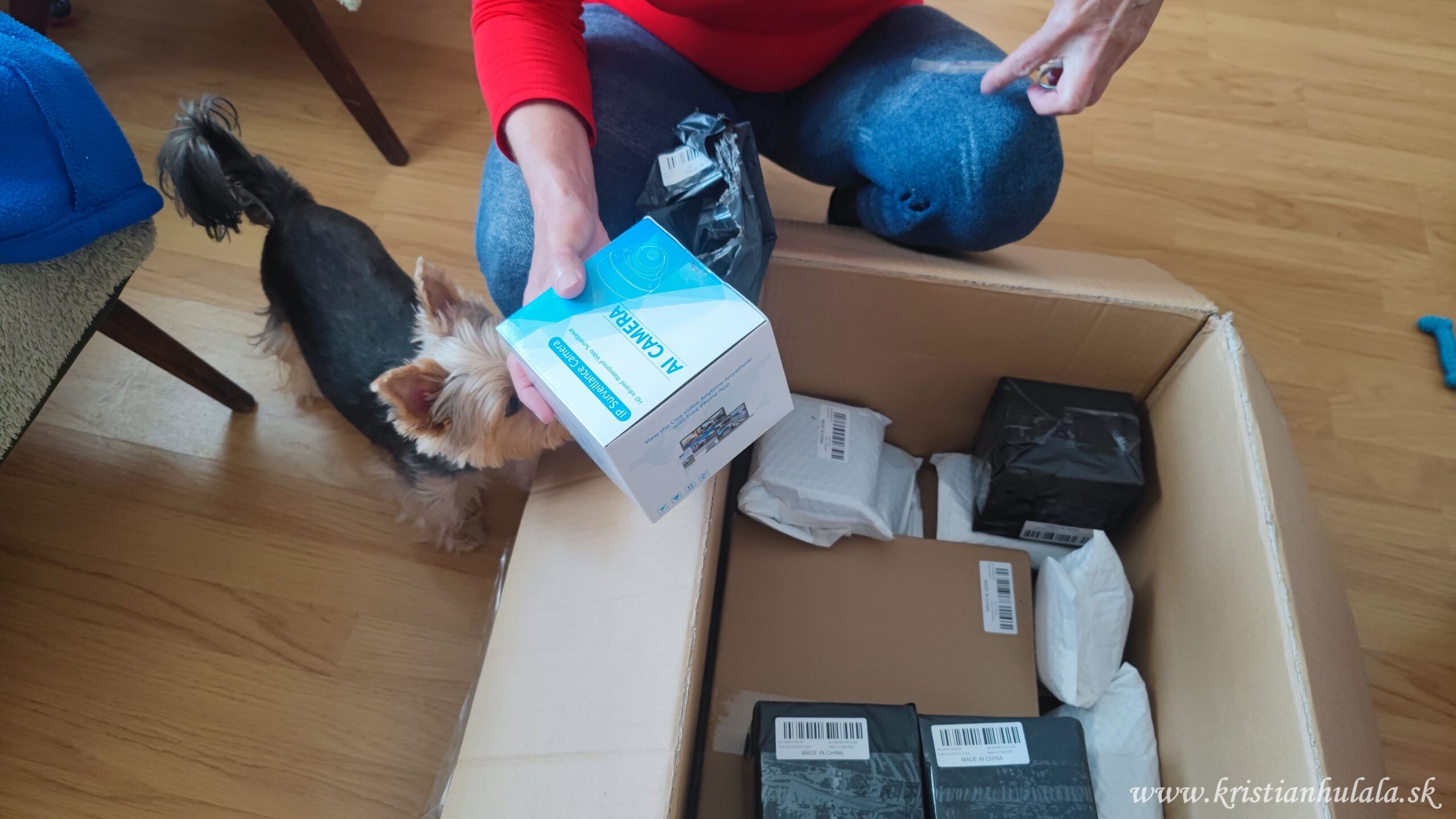
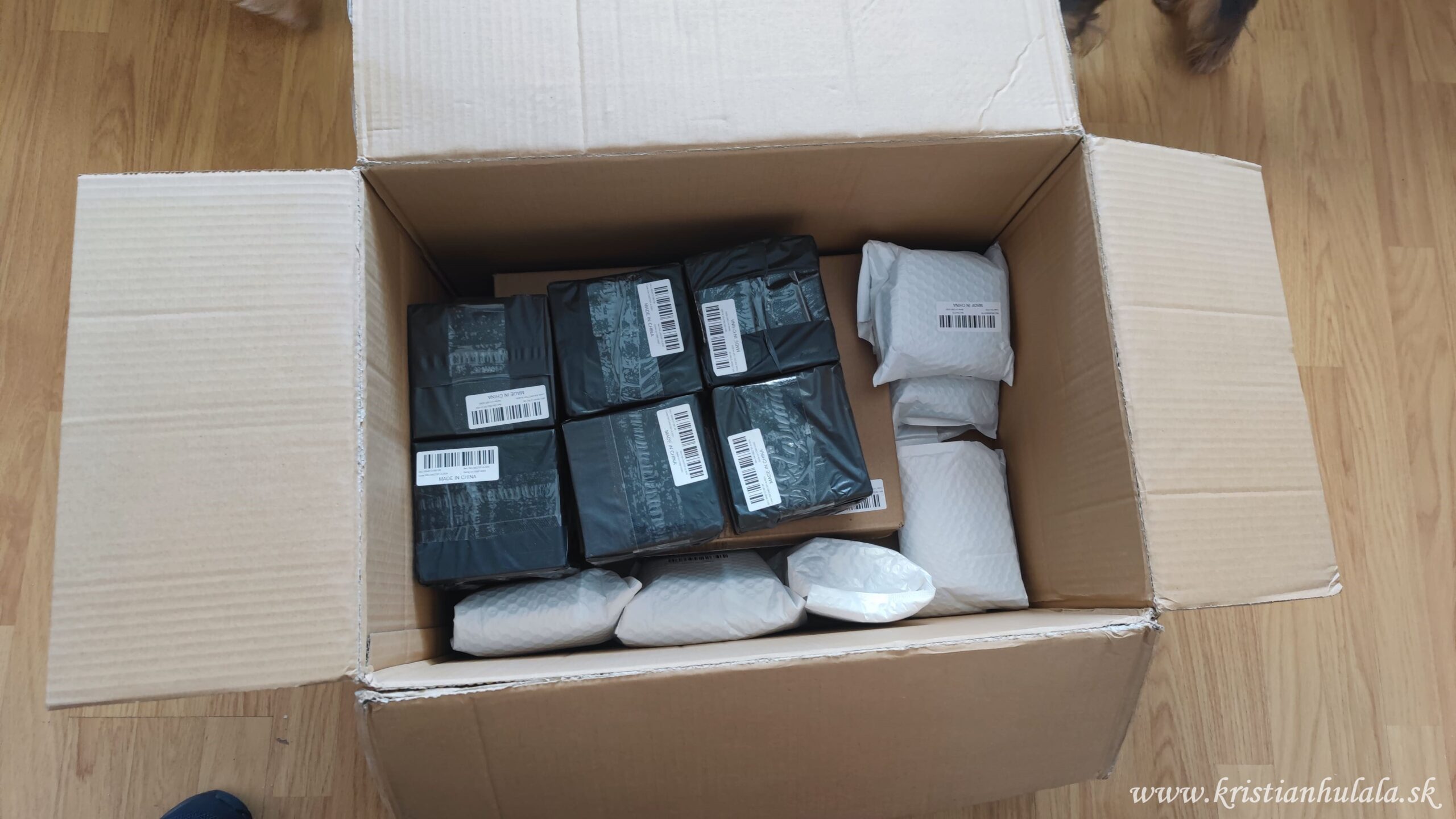
The company Techage gifted me a camera system, which made me very happy. I truly appreciate their support and thank them from the bottom of my heart.
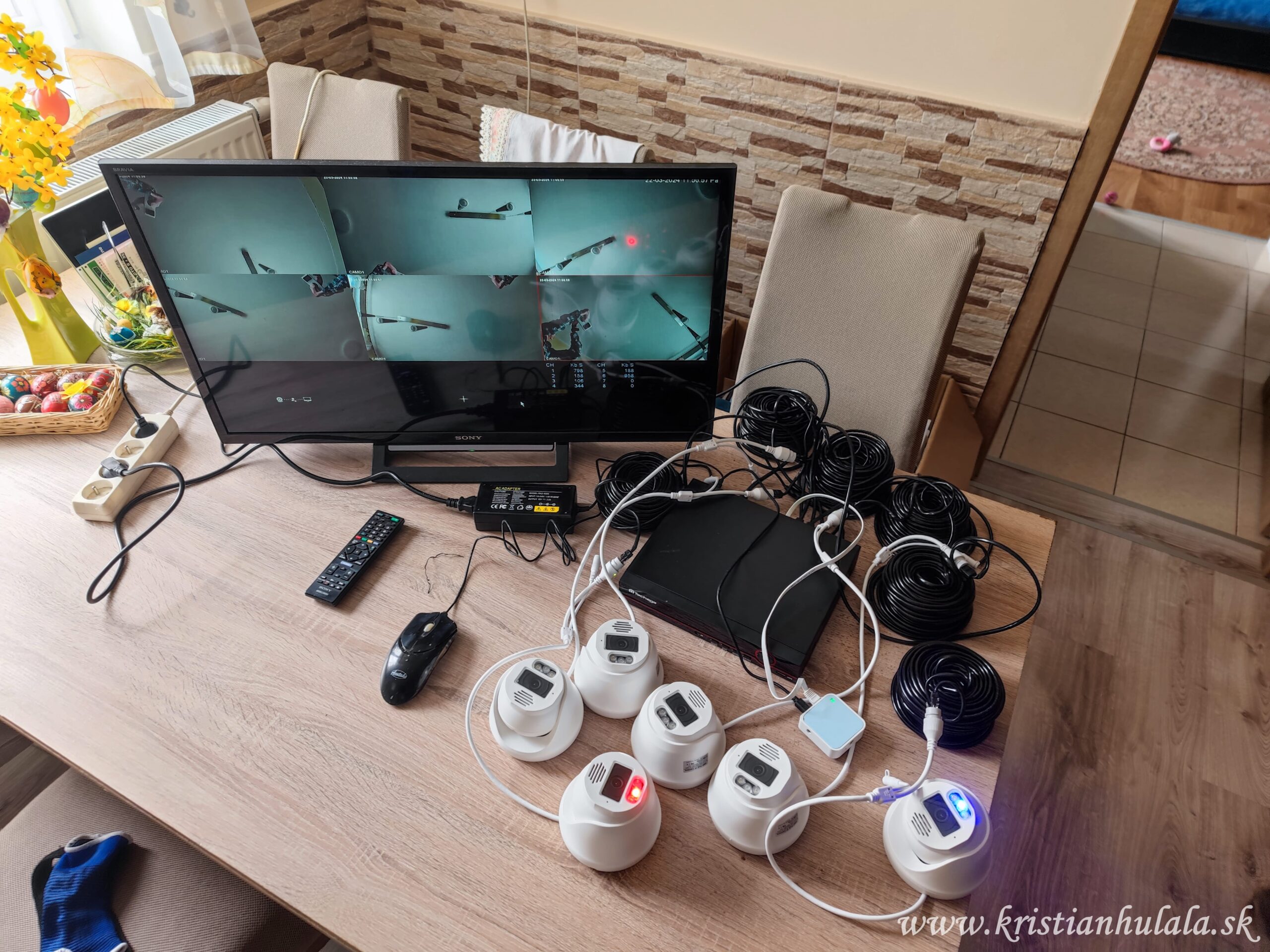
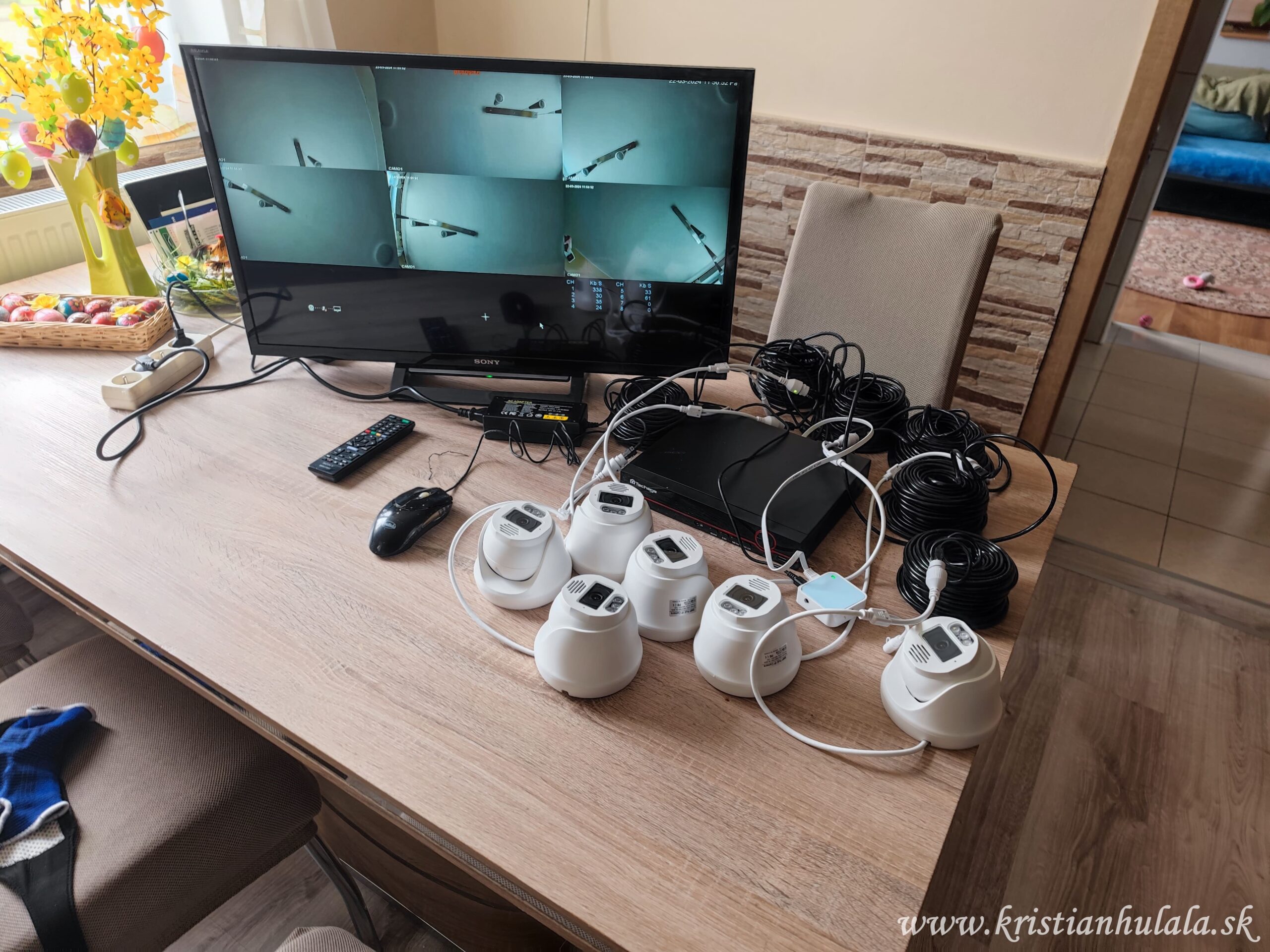
Before installation, I connected and tested the cameras. I made the basic settings before installation, but I completed the detailed setup only after mounting them.
Techage cameras
These are DOME cameras with 8 Mpx (4K) resolution. They support person, vehicle, and face detection. They are equipped with a microphone and speaker, allowing two-way communication.
The Xmeye Pro app is available for mobile, and it works reliably. There is also a VMS program for Windows, but I don’t use it. The NVR recorder can also be accessed via a web browser using its internal IP address.
For proper functioning, it is necessary to install the VideoPlayToolSetup plugin, which the recorder offers automatically.
Night vision and alarm
The cameras have IR diodes for night vision, as well as red and blue LED diodes that serve as a visual alarm.
Night vision works very well even in complete darkness, and the LED illumination is sufficiently strong. The alarm activates upon motion in the set zone and can, of course, be turned off.
The image quality is excellent day and night – during the day, colors are rich and the image is sharp.
Two-way communication
The cameras allow two-way voice communication. This is practical, for example, when you are not at home and need to communicate with a courier or visitor.
You can also enable a mode where you hear sound from the camera, but you are not heard.
You can name individual cameras (e.g., garage or garden), which then appears directly in the video preview.
Settings in the NVR recorder
Many functions can be set in the NVR recorder.
For example, you can set up DDNS (e.g., no-ip.com) and access the cameras from the internet.
Email notifications for motion detection can also be set up.
For each camera, you can adjust:
- brightness
- contrast
- color saturation
- image sharpness
Both the cameras and the NVR recorder can be easily restarted if needed.
Alarm and speaker
On the back of the NVR, there is a 3.5 mm jack for speakers. Once connected, the system can audibly alert to intrusions in the monitored area.
You can also record your own alarm sound.
I adjust the volume as needed via the browser.
Mobile app
In the Xmeye Pro application, you can set:
- alarm
- notifications
- time synchronization
- playback of recordings
- two-way communication
- NVR restart
If you don’t allow sound alerts, the app will only send silent notifications.
Thank you
Once again, I sincerely thank Techage. This camera system brought me great joy.
If you buy any product through this link, it will help me a lot: