


Synology DS225+ after several months: multimedia, old games, and plans for larger storage
When I started using the Synology DS225+, my main goal was to have a reliable place for data synchronization, backups, and my own Docker services. Gradually, however, it is becoming clear that the NAS can have many more uses for me.
In the previous installment, I showed my dashboard and the services I use on the NAS. Since then, I have continued experimenting and started thinking about projects that wouldn’t have even occurred to me when I first bought the NAS.
One of them is older PC games.

I no longer use the NAS just for files
The Synology DS225+ remains the place where I keep my data and where my own services run. Gradually, however, it is increasingly becoming a home server for various experiments.
A large part of my multimedia content is now available through Jellyfin. This way, I don’t have to deal with movies and other content just as plain files stored in folders; instead, I have my own web interface and library for them.
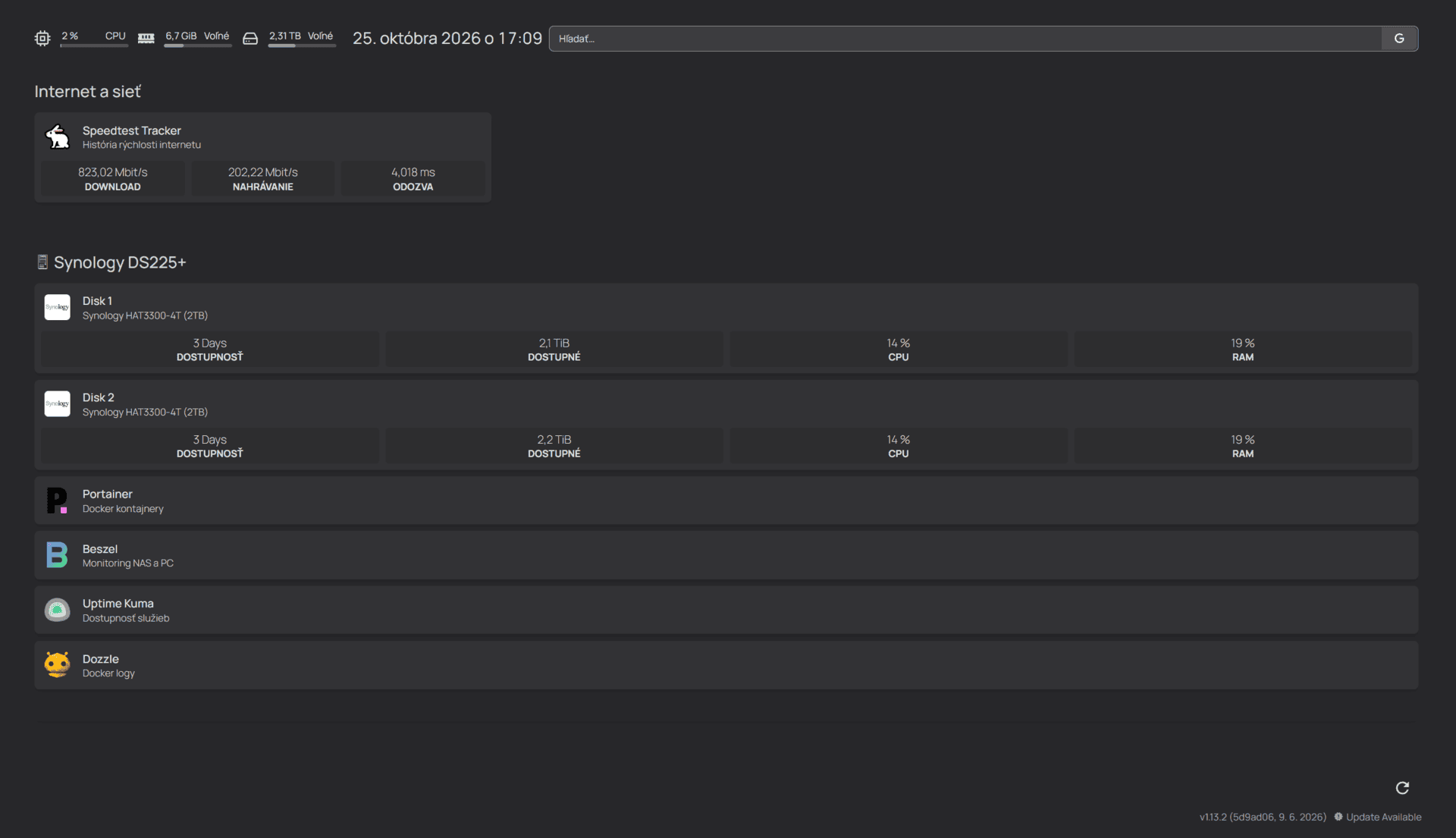
Alongside that, I use other services, monitoring, and my own Homepage dashboard. The ability to gradually add new features is one of the things that still keeps me interested in the NAS.
When I get a new idea, I don’t have to buy another device right away. Often, it’s enough to see if the task can be handled using the NAS and a Docker container.
Another experiment: old PC games via browser
Most recently, I’ve been intrigued by a completely different way to use the NAS.
Older PC games that I played years ago are becoming increasingly complicated to run on today’s computers and modern versions of Windows. You often have to deal with compatibility, old installers, various patches, or other adjustments.
One of the games I love returning to is Need for Speed Underground 2.
Recently, I tried running NFS Underground 2 directly through a web browser. I was surprised by how well the game worked, including the controls themselves.
And that’s when it hit me: why not have a similar solution at home on my own NAS?
My own retro gaming server
My next experiment will therefore be to try and prepare my own environment on the Synology DS225+ from which it would be possible to run older games through a web browser.
For now, it’s a plan and an experiment. I’m not claiming that I already have NFS Underground 2 running directly from my NAS. This will be one of the things I want to try out gradually.
I really like the idea, though.
The NAS would store the necessary data and provide the web interface, while the computer itself would display and control the game through the browser. If I manage to get it up and running as I imagine, it could eventually become my own little retro gaming hub.
Need for Speed Underground 2 would be just the beginning.
What would appeal to me most is gradually trying games I actually used to play and love returning to, such as Call of Duty 2, GTA San Andreas, Worms 3D, or Mafia: The City of Lost Heaven.
For games like these, such a solution would make the most sense to me. It wouldn’t just be a technical experiment, but a way to easily return to old favorite titles without having to deal with compatibility with new Windows every time.
However, I don’t want to force every old game onto the NAS. I’m more interested in the idea itself: having my favorite older games in my own home environment and not being dependent on whether some third-party web service will still work in a few years.
If the experiment is successful, I will definitely dedicate a separate article to it.
Space is becoming increasingly important
As the possibilities of the NAS grow, so do my demands for storage space.
When I started using the DS225+, two 4 TB drives were a very good foundation for my original use case. Gradually, however, multimedia, projects, backups, and other data are piling up.
Jellyfin is a good example. A movie library can take up a huge amount of space, and with higher-quality movies, the occupied space grows very quickly.
That’s why I’m already thinking about further expansion.
One option is to replace one of the current 4 TB drives with a significantly larger one. I’m currently interested in a capacity of around 16 TB, which would create a much larger buffer for the future.
I haven’t made a final decision on a specific solution yet. First, I want to think about which configuration will be most sensible for my use and what the further development of my storage will look like.
It is interesting, however, to see how my requirements have changed over a few months. At the beginning, I was mainly dealing with file synchronization. Today, I’m thinking about a multimedia server, my own web services, retro games, and a larger drive.
Experimenting is the biggest advantage for me
After several more months of use, I can say that the biggest advantage of the DS225+ for me isn’t one specific feature.
It’s the ability to keep trying something new.
First it was data synchronization. Then Docker, Homepage, monitoring, and other services. Later Jellyfin and my own multimedia library. Now I’m interested in whether the NAS can also become the basis for my own solution to run older games through a browser.
Not every experiment has to stay permanently. I try something, some things prove successful, and others I might remove after a while. That’s also part of why I enjoy this project.
Thus, the DS225+ has gradually stopped being just network storage for me. It has become a device where I can test my own ideas and gradually learn new things.
What I want to try next
Next, I want to look specifically at the possibility of running older games from my own NAS through a web browser.
As a first experiment, I’m interested in Need for Speed Underground 2. If the solution works well, I can gradually try other games I used to play, and maybe it will become a separate part of my home server.
At the same time, I will also be addressing future storage capacity. Space that seemed large at the beginning can fill up much faster than I originally expected with multimedia and other projects.
I’m therefore curious to see where my use of the Synology DS225+ will go next.
I described my first experiences with the Synology DS225+ and the basic setup in the original review. In the next installment, I also showed my Homepage dashboard, Docker services, and the way I use the NAS in practice.
And as you can see, I still have plenty to try.
First Synology DS225+ review · My dashboard and custom services